How to run a village class
เสียบมือถือเข้าทีวี พูดใส่ไมค์ แล้วดูดาวร่วง
Plug in a phone. Speak. Watch the stars fall.

- เสียงไทยนำทางทุกขั้นตอน · Thai voice guides every step
- AI ให้คะแนนทุกครั้ง · AI scores every try
- 12 ประโยคต่อสัปดาห์ · 12 phrases a week
ขั้นตอนทีละข้อ
Step by step, for the host

1เตรียมอุปกรณ์Get the kit ready
มือถือหรือแล็ปท็อป สาย HDMI และทีวี ไมโครโฟนสำหรับคนที่พูด สมุดกับปากกาไว้จดลำดับนักเรียน และรีโมททีวีไว้เลือกช่องสัญญาณ
A phone or laptop, an HDMI cable and a TV. A microphone for the student who is speaking. A notebook and pen for the turn order, and the TV remote to pick the input.
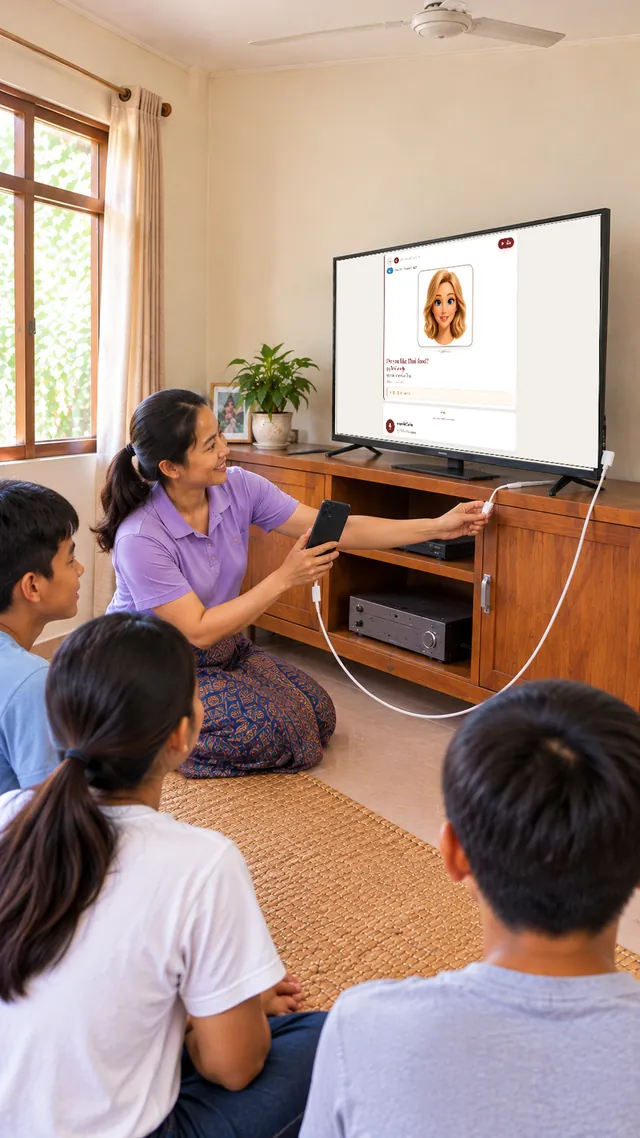
2ต่อมือถือเข้าทีวีPlug the phone into the TV
เสียบสายระหว่างมือถือกับทีวี แล้วกดปุ่มเลือกช่องสัญญาณบนรีโมทจนเห็นหน้าจอมือถือบนทีวี ถ้ามือถือต้องใช้ตัวแปลง ให้ต่อตัวแปลงก่อน
Connect the cable between the phone and the TV. Press the input button on the remote until the phone screen shows on the TV. If your phone needs an adapter, plug that in first.
3เปิด Class ModeOpen Class Mode
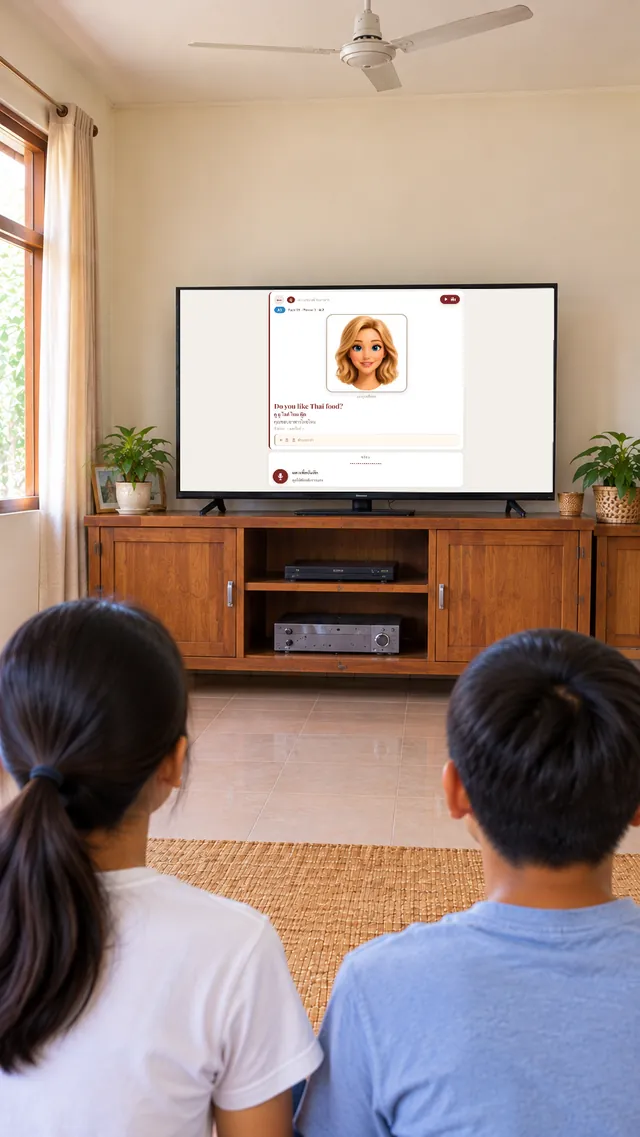
เข้าหน้าครูที่ school.cuppathai.com/teacher/ ใส่รหัสเข้าใช้ แล้วแตะ “เปิด Class Mode” อวตารจะขึ้นบนทีวี
Sign in at school.cuppathai.com/teacher/ with your access code and tap Open Class Mode. The avatar appears on the TV.
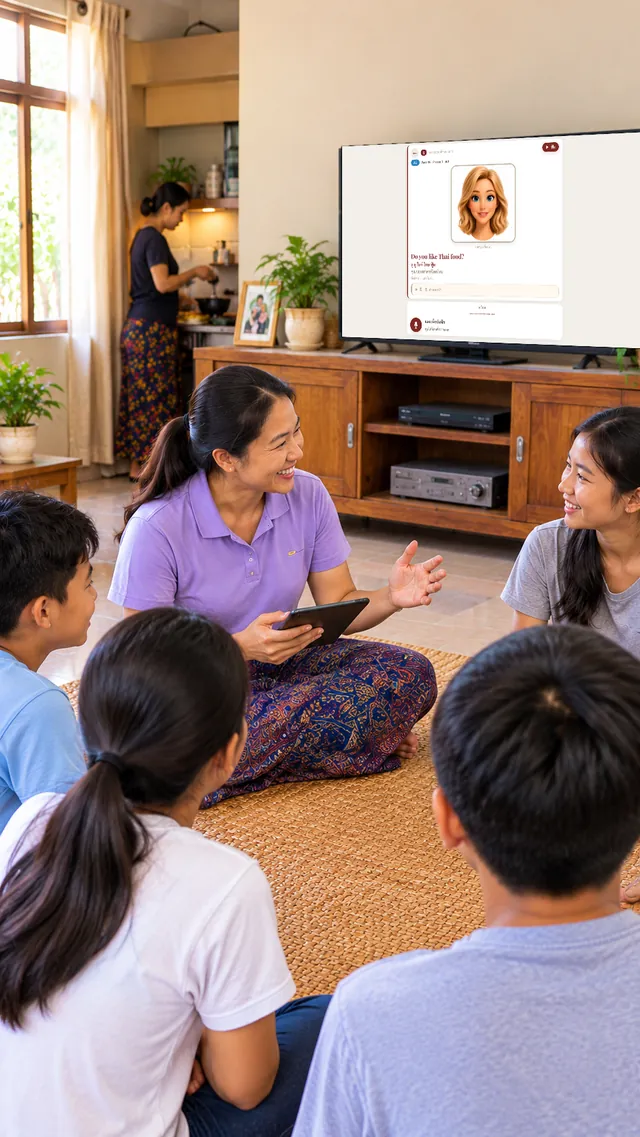
4ฟังอวตารListen to the avatar
อวตารพูดประโยคภาษาอังกฤษ เสียงภาษาไทยนำทางทุกขั้นตอน ทั้งห้องฟังพร้อมกัน ไม่ต้องใช้ภาษาอังกฤษของครู
The avatar says the English phrase and a Thai voice guides every step. The whole room listens together, and the host does not need English.
5พูดตามOne student speaks
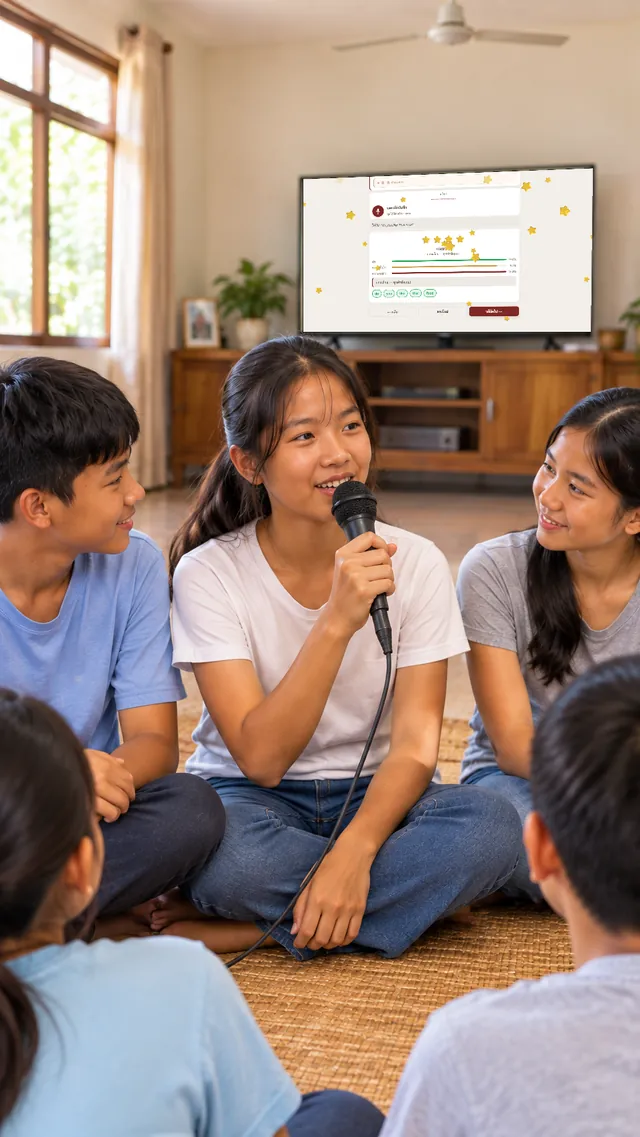
นักเรียนหนึ่งคนถือไมค์ แตะปุ่มบันทึก แล้วพูดประโยคนั้น แต่ละประโยคมี 4 ครั้ง
One student holds the mic, taps record and says the phrase. Each phrase gets 4 tries.
6AI ให้คะแนนThe AI scores it
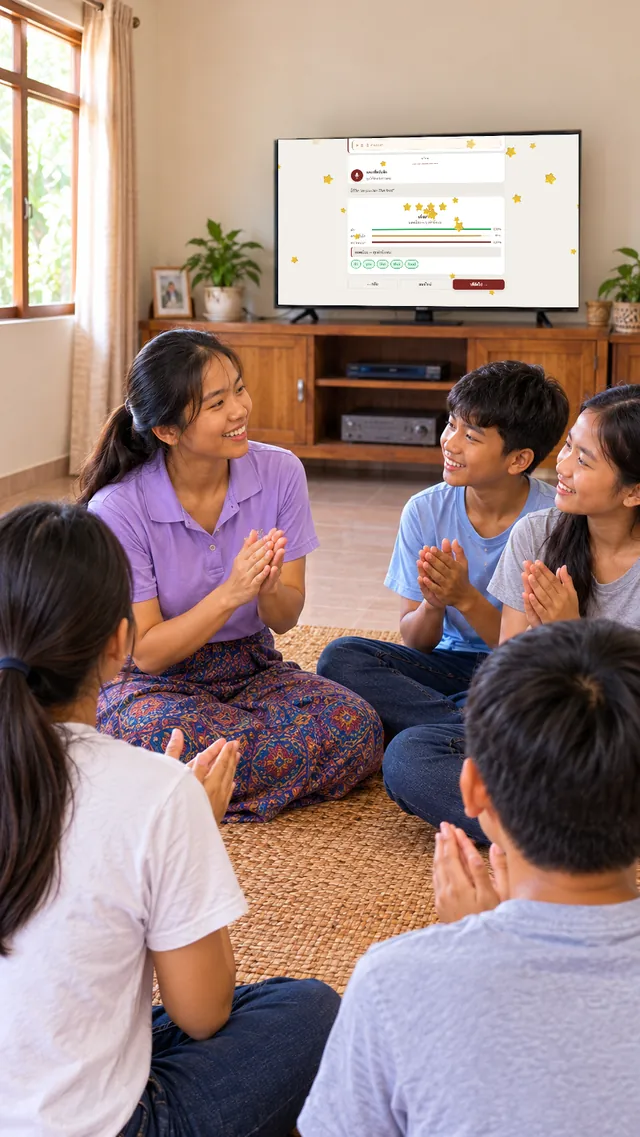
AI ฟังแล้วให้ดาว คำที่พูดชัดขึ้นสีเขียว ถ้าได้ 3 หรือ 4 ดาว ดาวจะร่วงเต็มจอ และทั้งห้องปรบมือ
The AI listens and gives stars. Clear words turn green. On 3 or 4 stars the stars fall across the screen and the room cheers.
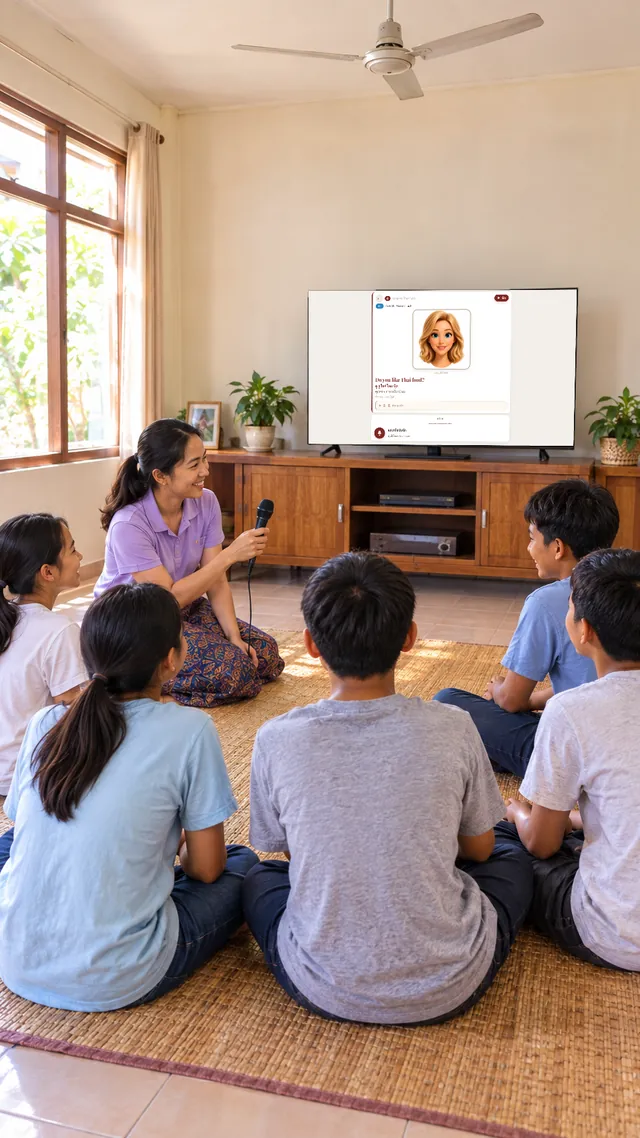
7ส่งไมค์ให้คนต่อไปPass the mic
ทำให้ครบ 12 ประโยคของสัปดาห์ Class Mode จำตำแหน่งที่ห้องเรียนไปถึงไว้ แต่ไม่เก็บคะแนนรายคน
Work through the week’s 12 phrases. Class Mode remembers where the class stopped, and never saves individual scores.
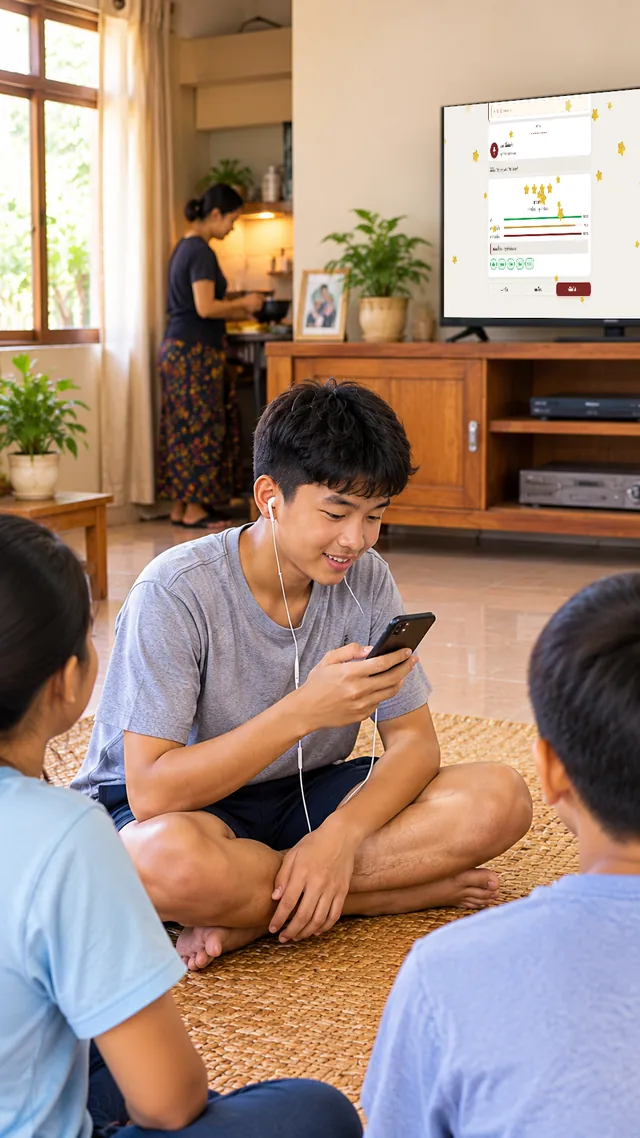
8ฝึกต่อที่บ้านKeep practising at home
นักเรียนเข้าสู่ระบบด้วยรหัสห้อง ชื่อเล่น และ PIN 4 หลัก เพื่อทำการบ้านประจำสัปดาห์ ทั้งให้ AI ให้คะแนน (3 ครั้งต่อประโยค) และเล่นเกมฝึก
Students sign in with the class code, nickname and 4-digit PIN to do the week’s homework: AI scoring (3 tries per phrase) and practice games.
สิ่งที่ทุกห้องเรียนได้รับ
What every class gets
นักเรียนทุกคนมีแดชบอร์ดของตัวเองEvery student has their own dashboard
เข้าสู่ระบบด้วยรหัสห้อง ชื่อเล่น และ PIN 4 หลัก ทำการบ้านประจำสัปดาห์ ให้ AI ให้คะแนน และเล่นเกมฝึกที่บ้าน
Signed in with the class code, nickname and 4-digit PIN: the week’s homework, AI scoring and practice games, at home.
ครู (ผู้จัดคลาส) มีแดชบอร์ดของตัวเองThe teacher (host) has their own dashboard
เข้าด้วยรหัสเข้าใช้ ดูรายชื่อนักเรียน เปิด Class Mode และดูความคืบหน้าของห้อง
Signed in with the access code: the class list, Class Mode and the class’s progress.
การบ้านพูดให้ AI ให้คะแนน: 3 ครั้งต่อประโยคHomework speaking: 3 tries per phrase
ผ่านเมื่อได้ 4 ดาว ถ้าลองครบ 3 ครั้งแล้วยังไม่ผ่าน นักเรียนจะได้ Special Pass เปิด EPUB หาประโยคนั้น ฟังอีกครั้ง ฝึกพูด แล้วไปต่อได้ ไม่มีใครถูกทิ้งไว้ข้างหลัง
A phrase passes at 4 stars. After 3 tries without a pass the student gets a Special Pass: open the EPUB, find the phrase, listen again, practise, and move on. Nobody is left behind.
คะแนนที่บ้านขึ้นบนแดชบอร์ดครูเองHome scores appear on the teacher’s dashboard
ผลการพูดของนักเรียนที่บ้าน ทั้งดาว ประโยคที่ผ่าน และเกมที่เล่น แสดงให้ครูเห็นอัตโนมัติ พร้อมเกรดที่ระบบแนะนำ (เป็นแนวทาง ครูเป็นผู้ตัดสิน)
What each student does at home (stars, phrases passed, games played) shows up for the teacher automatically, with a suggested grade (a guide; the teacher decides).
หนังสือ EPUB ประจำเดือนให้ดาวน์โหลดเก็บไว้A monthly EPUB lesson book to download and keep
นักเรียนและครูดาวน์โหลดหนังสือบทเรียนของเดือนนั้นได้ เก็บไว้ฝึกแบบออฟไลน์ และเก็บเป็นของตัวเอง
Students and the teacher can download the month’s lesson book, keep it, and practise offline.